
By Cammy Harbison
Writer
0
Share
Newsweek is a Trust Project member
See more of our trusted coverage when you search.Prefer Newsweek on Googleto see more of our trusted coverage when you search.
Want to try "Subnautica: Below Zero" console commands but aren't sure how to get started? Check out our guide to all the best crafting, vehicle and item spawning cheats and how to use them.
Subnautica: Below Zero 's early access release kicked off January 30 adding an icy new chapter to the Subnautica story. While Subnautica's standard game mode is certainly satisfying players, there are ways to add even more fun to the experience. As Subnautica: Below Zero is in early access, its command console is currently accessible by players. This console, while created to help devs with debugging, contains a ton of cheat codes players can use to spawn vehicles, items, crafting materials and more. If you're hoping to give the console commands a try but aren't sure how to get started, we've put together a complete guide for how the console works, along with all the most useful commands and items in the game. Check it out below!
Subnautica: Below Zero Cheats - All Console Commands, Items List and More

...
Read More on Video Games
In order to use cheat codes in Subnautica: Below Zero, you'll first need to activate the command console. It's important for players to keep in mind that these controls were primarily created for debugging purposes and so if you choose to use the console, your Subnautica achievements will be disabled. All players are advised to save their game before trying to use the commands as some data otherwise be lost.
How To Activate the Console
- Press the F3 key on your keyboard — a menu will open.
- Uncheck the "Disable Console" option (To get a mouse cursor to appear, you'll need to press the F8 key).
- Once you finish, press the F3 key to close the window. The console should now be activated.
How To Open and Use The Command Console
The command console is enabled now, but you'll need to open it to try out the different cheat codes. To do so, hit the "enter" or "~" key. If you go out of the game, you'll need to press F3 before opening the console.
Subnautica: Below Zero Cheats - List of Best Commands and How to Use Them
...
Subnautica: Below Zero comes with a sizable number of console commands, and more are being added all the time. While we haven't listed every cheat that's available, we've done our best to provide the ones that will get you the items or experience you are looking for.
Spawning Items
In order to spawn a specific number of a certain item in the game, you'll need to follow an item, name, number format. For example, if you want to spawn 5 Ghost Leviathan (ghostleviathan) in the game, you'll need to enter the following words in the console: item ghostleviathan 5. There are a ton of items that can be spawned in the game or in your inventory. The most comprehensive item list we've seen so far can be found, here. We've also included specific codes for large amounts of loot, specific vehicles and other important items in the following sections.
Crafting Cheats
-
resourcesfor name - this cheat always you to instantly recieve any resources you need to create a specific item (EX: resourcesfor knife yields Silicon Rubber and Titanium)
-
bobthebuilder- this cheat unlocks several additional building codes which a listed below. It also adds a Habitat Builder, Scanner, Survival Knife and a Repair Tool to your inventory.
- fastbuild - Allows the player to build modules in an instant of a second with the Habitat Builder.
- unlockall - Unlocks all blueprints.
- nocost - Players can now use the Fabricator, Habitat Builder, Mobile Vehicle Bay, Vehicle Upgrade Console and Modification Station regardless of if they have all the required materials.
- fastgrow - planted flora will grow quickly
- fasthatch - eggs will hatch quickly
Vehicle and Suits (Upgrades and Spawns)
-
vehicleupgrades - gives the player every common vehicle
-
exosuitupgrades - gives the player every Prawn Suit module
-
exosuitarms - gives the player all Prawn Suit arms.
-
spawn seaglide - spawns a powered Seaglide
-
item seamoth - spawns a Seamoth
-
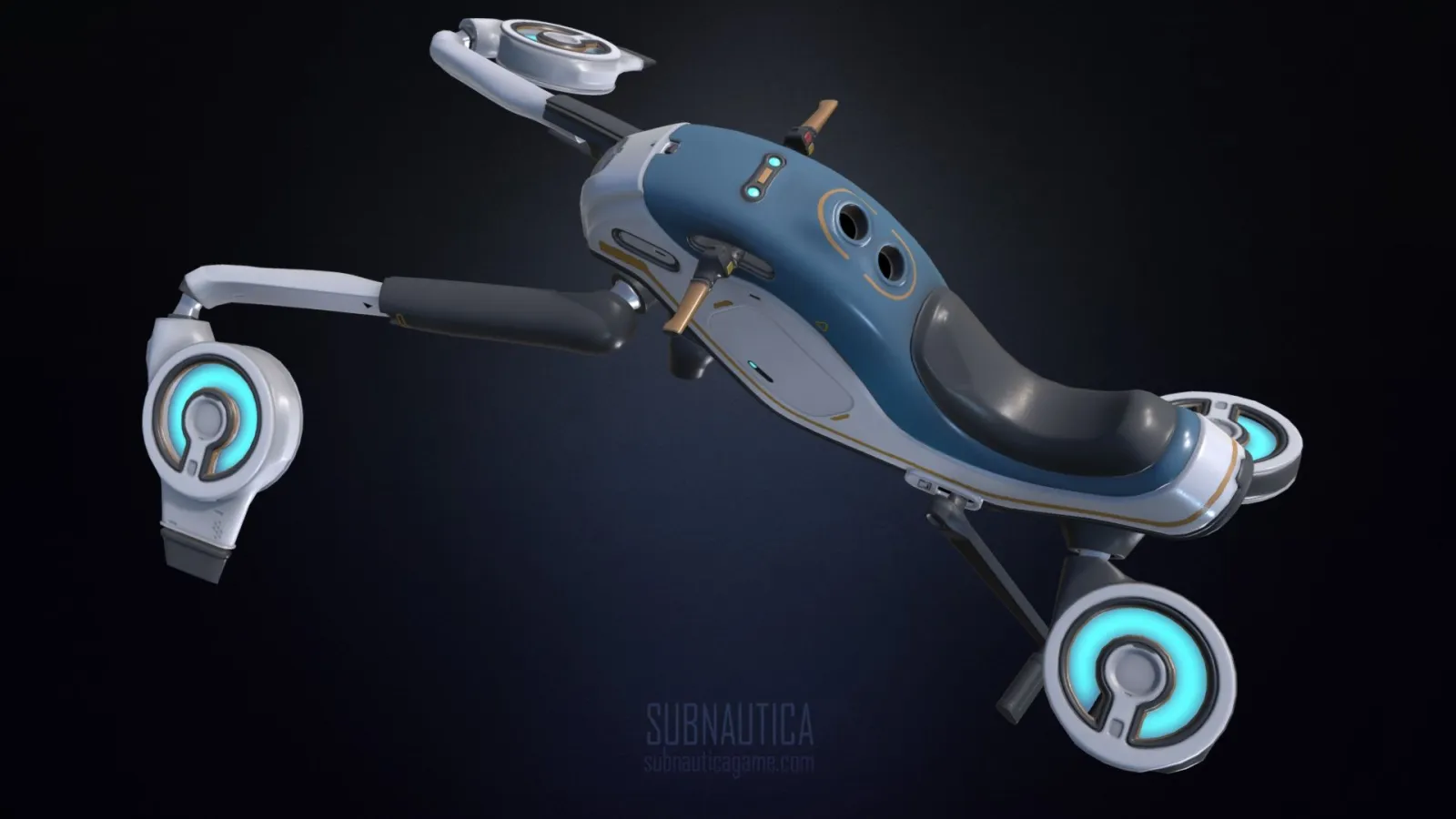
spawn hoverbike - spawns a Snowfox
-
spawn seatruck- spawns a powered seatruck. For a specific module, use the following commands:
- spawn seatruckaquariummodule
- spawn seatruckdockingmodule
- spawn seatruckfabricatormodule
- spawn seatruckstoragemodule
- spawn seatruckplantermodule
Altering Resource Requirements
These cheats will allow you to disable pesky needs like oxygen, food or water.
- oxygen - unlimited supply of oxygen.
- cold - turns the cold survival mechanic on or off.
- nosurvival - you no longer need to eat or drink
- nocost - no resources needed to create items with the Fabricator, Habitat Builder, etc.
- noenergy - none of your items will use up energy.
Teleportation
These commands allow players to automatically teleport to different biomes using the the biome name format:
- Research Base Zero = biom introarea
- Alien Research Site Zero = biome introicecave
- Shallow Twisty Bridges = biome shallowtwistybridges
- Twisty Bridges = biome twistybridges
- Lilypad Islands = biome lilypads
- Crystal Caves = biome crystalcave
- Deep Lilypads Cave = biome deeppads
- Arctic Kelp Forest = biome kelp
- Arctic Kelp Caves = kelpcave
You can also use the goto name format to visit even more specific locations. Here are some examples:
- goto alterrabase1
- goto alterratechsite1
- goto arcticspirescache
- goto basesupplydrop1
- goto crystalcache
- goto deeparcticcache
- goto fabricatorbase
- goto hoverarea
- goto mbase
- goto mtechsite1
- goto radiotower
- goto rocket (takes you to exchanger rocket launchpad)
- goto shieldbase
- goto sanctuary
Spawning Loot
If spawning individual loot items gets tedious, there are a few codes that will allow you to get a lot of loot at once
-
spawnloot - spawns the following:
- (1) Quartz
- (1) Copper Ore
- (1) Content Magnesium
- (1) Salt Deposit
- (1) Gold
- (4) Metal Salvage.
-
madloot - spawns the following:
- (1) Survival Knife
- (1) Habitat Builder
- (3) Battery
- (4) Computer Chip
- (5) Creepvine Sample
- (10) Titanium
- (10) Glass
-
niceloot- spawns the following:
- (1) Ultra High Capacity Tank
- (1) Metal Salvage
- (1) Quartz
- (1) Copper Ore
- (1) Lead
- (1) Mercury Ore
- (1) Rebreather
- (1) Reinforced Dive Suit
- (1) Salt Deposit
- (1) Gold
- (1) Crystalline Sulfur
- (1) Silver Ore
- (1) Stasis Rifle
- (1) Stillsuit
- (1) Radiation Suit
- (1) Compass
- (1) Standard O2 Tank
- (1) Uraninite Crystal
- (1) Cave Sulfur
- (1) Kyanite
- (1) Diamond
- (1) Nickel Ore
- (1) Lithium
- (1) Table Coral Sample
- (1) Ruby
- (1) Coral Tube Sample
- (1) Magnetite
- (1) Stalker Tooth
What do you think of Subnautica: Below Zero's command console? Which cheat is your favorite? Share your thoughts in the comments below.
View 0 Comments
Submit Correction
View Editorial & AI Guidelines